
Why Your MSP Needs to Understand AI Before Your Business Adopts It
Artificial intelligence is no longer something only large enterprises or technology companies need to think about. It is already being used inside everyday businesses through tools such as Microsoft Copilot, ChatGPT, AI meeting assistants, automated reporting tools, customer service platforms, marketing software and document generation systems.
For many small and medium-sized businesses, AI is becoming part of daily work before there has been time to properly consider the risks. Staff may already be using AI to draft emails, summarise meetings, analyse spreadsheets, write proposals or troubleshoot problems. In many cases, this is happening without clear policies, security controls or oversight from IT.
That is why it is becoming increasingly important for managed service providers to understand AI — not just from a productivity point of view, but from a cyber security, data protection and best-practice perspective.
An MSP that understand AI can help your business take advantage of the technology safely. An MSP that does not understand AI may leave your organisation exposed to unnecessary risks.
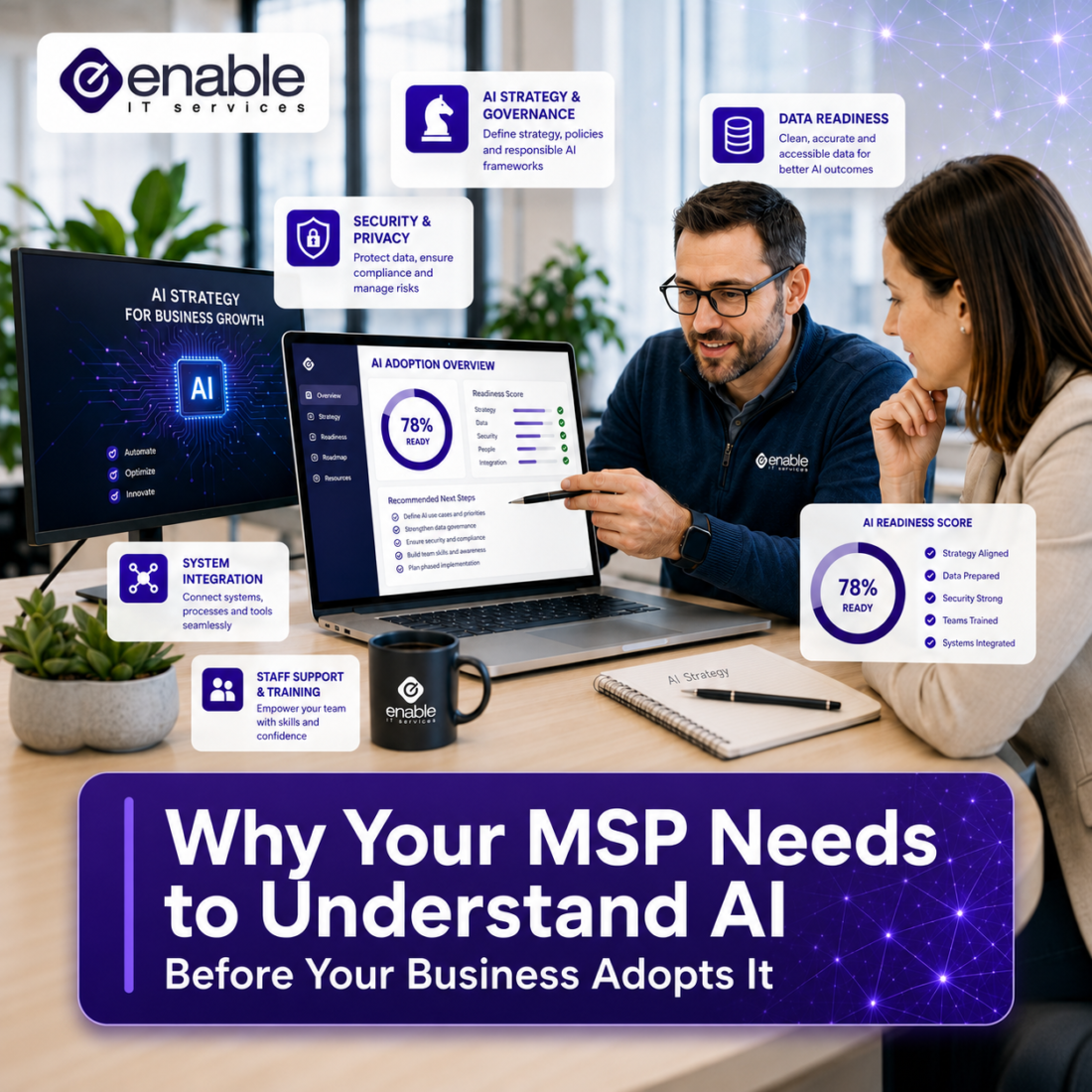
AI Is Already Inside Your Business
One of the biggest misconceptions about AI is that it only becomes relevant when a business officially “adopts” it. In reality, AI tools are often introduced informally by staff looking for faster ways to complete their work.
Someone may paste a client email into an AI tool to improve the wording. Another staff member may upload a spreadsheet to get help with analysis. A manager may use an AI meeting assistant to record and summarise internal discussions. These actions may seem harmless, but they can create real risks if sensitive business, client or financial information is shared with tools that have not been reviewed or approved.
The Australian Cyber Security Centre advises organisations to understand the constraints of AI systems, train staff to use them securely, consider privacy and data protection obligations, and ensure suitably qualified staff are involved in secure setup and maintenance. [cyber.gov.au]
For an MSP, this means AI can no longer be treated as a separate or optional topic. It now overlaps with user training, Microsoft 365 security, endpoint protection, access management, data governance and compliance.
AI Creates New Security Risks
AI brings enormous productivity opportunities, but it also introduces new risks that traditional IT support may not fully address.
Some of the most common risks include:
- Staff entering sensitive data into public AI tools
- AI-generated phishing emails that are harder to detect
- Incorrect or misleading AI-generated information
- Unauthorised use of AI applications, also known as “shadow AI”
- Poorly configured Microsoft 365 permissions exposing too much data
- AI tools accessing files, chats or documents that users should not be able to see
- Prompt injection and manipulation of AI outputs
- Lack of visibility over what AI tools are being used across the business
Microsoft notes that AI workloads create new attack surfaces and that organisations need to evaluate AI-specific vulnerabilities, assess data risks, test for issues such as prompt injection and data leakage, and conduct regular risk assessments.
This is where a knowledgeable MSP becomes valuable. It is not enough to simply recommend an AI tool. The MSP should understand how that tool interacts with business data, what security controls are needed, and how to reduce the chance of accidental data exposure.
AI Tools Need the Right Security Foundation
For many businesses, Microsoft Copilot may be the first major AI platform they formally consider. However, AI adoption is rarely limited to one tool. Staff may already be using platforms such as ChatGPT, Google Gemini, Claude, AI meeting assistants, AI writing tools, CRM automation, design tools, browser extensions and industry-specific AI applications.
Each of these platforms can create value, but they can also introduce risk if they are not properly reviewed, approved and managed.
AI tools often rely on access to business information. This may include emails, documents, meeting notes, spreadsheets, customer records, internal chats, cloud storage or uploaded files. If the right permissions, privacy settings and security controls are not in place, sensitive information may be exposed, stored incorrectly or used in ways the business does not fully understand.
Before introducing AI tools, businesses should review areas such as:
- What AI platforms are currently being used by staff
- Whether those tools are approved for business use
- What data users are entering into AI systems
- Whether personal or sensitive information is being shared
- How the AI provider stores, processes or uses submitted data
- User access permissions across Microsoft 365, Google Workspace and other cloud platforms
- File sharing and external collaboration settings
- Data loss prevention policies
- Multi-factor authentication and identity controls
- Security monitoring and reporting
- Staff training and acceptable use policies
Microsoft’s AI security guidance recommends gaining visibility into AI usage, protecting AI resources and data, and detecting AI-related threats as part of a broader security process. The OAIC also warns that privacy obligations can apply to personal information entered into AI systems, as well as AI-generated outputs that contain personal information.
This is a practical example of why your MSP needs to understand AI broadly, not just one specific platform. A provider that only sees AI as a software licence or productivity add-on may miss the preparation work required to use these tools safely. A more experienced MSP will look at AI adoption as a security, governance and business-readiness project.
The goal is not to block AI. The goal is to make sure your business knows which tools are being used, what data they can access, and what controls are needed to reduce risk.
AI Best Practice Is About Governance, Not Just Tools
When businesses talk about AI, the conversation often starts with tools: “Should we use Copilot?” “Should we use ChatGPT?” “Which platform is best?”
Those are useful questions, but they are not the first questions a business should ask.
A better starting point is:
- What business problems are we trying to solve with AI?
- What data will AI tools be able to access?
- Who is allowed to use AI tools?
- What information should never be entered into public AI platforms?
- How will staff be trained?
- How will we monitor usage?
- What happens if an AI tool produces incorrect or risky output?
- Who is responsible for reviewing AI-generated work?
The Australian Government’s AI Ethics Principles highlight the importance of privacy protection, security, reliability, transparency and accountability when designing, developing and using AI systems.
This is where governance becomes important. Governance does not need to be complicated, but it does need to be clear. For most small and medium businesses, this may include an AI usage policy, staff awareness training, approved AI tools, data handling rules and regular security reviews.
A MSP that understand AI can help create practical guardrails that allow staff to use AI productively without putting sensitive company or client information at risk.
Privacy and Data Protection Cannot Be an Afterthought
One of the biggest risks with AI is the way it handles data. Many AI tools rely on users entering prompts, documents, notes, spreadsheets, customer information or business records. If users do not understand where that information goes, how it is processed or who may be able to access it, the business may be creating unnecessary privacy and compliance risk.
This is especially important for Australian businesses that handle personal information. The Office of the Australian Information Commissioner states that privacy obligations apply to personal information entered into AI systems, as well as AI-generated outputs where those outputs contain personal information. The OAIC also recommends that organisations do not enter personal information, particularly sensitive information, into publicly available generative AI tools because of the significant privacy risks involved.
This is a key reason why businesses should not approach AI adoption casually. Even if staff are using AI with good intentions, they may accidentally expose customer data, employee information, commercial details or confidential communications.
An MSP with AI and security knowledge can help businesses understand these risks before they become problems. This may involve reviewing current AI usage, identifying approved platforms, setting internal rules, updating privacy processes and making sure staff understand what information should never be entered into public AI tools.
Shadow AI Is a Growing Concern
One of the fastest-growing AI risks for businesses is shadow AI. This refers to staff using AI tools that have not been approved, configured or monitored by the organisation.
This can happen easily. Many AI tools are free or low-cost, accessible from a browser, and simple to use. A staff member may sign up with their work email address and begin using the tool without realising the security implications.
The problem is not always malicious behaviour. In many cases, staff are simply trying to work faster. However, if they upload confidential documents, client information, contracts, financial records or internal communications into an unapproved AI system, the business may lose control over where that data goes.
A knowledgeable MSP can help identify and manage this risk by reviewing cloud app usage, implementing security policies, educating users and helping the business define which AI tools are approved for work purposes.
Microsoft’s guidance for securing AI workloads also highlights the importance of visibility into AI applications and usage, including discovering AI tools and applying controls to sanction or block applications where appropriate.
AI Is Also Changing Cyber Threats
AI is not only being used by businesses. It is also being used by cyber criminals.
Attackers can use AI to write more convincing phishing emails, generate realistic social engineering messages, automate research on targets, create fake content and improve the speed and scale of attacks. This means businesses need to become more aware of threats that are harder to spot than traditional scam emails.
For example, phishing emails are becoming more polished, personalised and difficult to identify. Messages may contain fewer spelling mistakes, better formatting and more convincing language. AI can also help attackers quickly adapt their messaging to different industries, roles and locations.
This makes security awareness training even more important. Staff need to understand that a professional-looking email is not automatically trustworthy. They also need clear processes for verifying unusual payment requests, password reset prompts, file sharing links and urgent instructions.
An MSP with strong AI and cyber security knowledge can help businesses update their defences for this new environment. This may include email security, identity protection, conditional access, endpoint detection, staff training, simulated phishing and better reporting processes.
What to Look for in an AI-Aware MSP
If your business is considering AI tools, it is worth asking whether your IT provider has the right knowledge to guide you.
A strong MSP should be able to:
- Explain AI risks in plain language
- Review your Microsoft 365 security before enabling AI tools
- Help create an AI usage policy
- Advise on approved and unapproved AI platforms
- Improve data governance and access controls
- Help prepare your business for Microsoft Copilot
- Train staff on safe and effective AI use
- Monitor for risky behaviour or unauthorised tools
- understand AI adoption alignment with broader cyber security best practices
The goal is not to make AI complicated. The goal is to make sure it is introduced in a way that supports productivity without creating unnecessary exposure.
Final Thoughts
AI has the potential to improve the way businesses work. It can save time, reduce manual tasks, support better decision-making and help staff work more efficiently. But like any powerful technology, it needs to be implemented carefully.
For small and medium-sized businesses, the right MSP can play a key role in making AI adoption safer and more effective. That means they understand AI and the technology, the security risks, the Microsoft 365 environment, the data governance requirements and the practical steps needed to support staff.
AI is not just a software feature. It is now part of the modern IT and cyber security conversation.
Before your business adopts AI tools such as Microsoft Copilot or other platforms, make sure your MSP understands how to secure them, govern them and help your staff use them properly.
If your organisation is considering AI or wants to prepare for Microsoft Copilot, Enable IT Services can help review your current environment, identify potential risks and create a practical roadmap for safe AI adoption.
Frequently Asked Questions
Why does my MSP need to understand AI?
Your MSP needs to understand AI because AI tools interact with business data, user accounts, cloud platforms and security settings. If AI is introduced without the right controls, it can increase the risk of data leakage, privacy issues, unauthorised access and poor decision-making.
Is AI safe for small businesses to use?
AI can be safe and useful for small businesses when it is implemented properly. The key is to use approved tools, protect sensitive data, review permissions, train staff and create clear policies around what information can and cannot be entered into AI platforms.
What is shadow AI?
Shadow AI refers to the use of AI tools that have not been approved or reviewed by the business. For example, an employee might use a free AI writing tool or upload work documents to an online platform without IT knowing. This can create security and privacy risks.
Should we enable Microsoft Copilot straight away?
Not always. Before enabling Microsoft Copilot, it is important to review your Microsoft 365 environment, including SharePoint permissions, Teams access, external sharing, sensitivity labels, data loss prevention and security policies. Copilot can be very powerful, but it should be introduced on top of a secure foundation.
What information should staff avoid entering into public AI tools?
Staff should avoid entering confidential business information, customer records, employee details, financial data, passwords, contracts, internal emails, intellectual property or sensitive personal information into public AI tools unless the platform has been approved and properly assessed.
Can AI increase cyber security risks?
Yes. AI can increase cyber security risks if it is not managed correctly. Risks include data leakage, AI-generated phishing emails, incorrect outputs, unauthorised tools and poor access controls. However, with the right governance and security measures, businesses can reduce these risks.
How can Enable IT Services help with AI adoption?
Enable IT Services understand AI and can help businesses assess their current IT environment, review Microsoft 365 security, prepare for Microsoft Copilot, assist with AI usage policies, improve data governance and advise staff on safe AI use. The aim is to help businesses benefit from AI without exposing sensitive data or creating unnecessary risk.
